
Merchant documentation
How to use TapCard
Everything you need to set up and run your loyalty program.
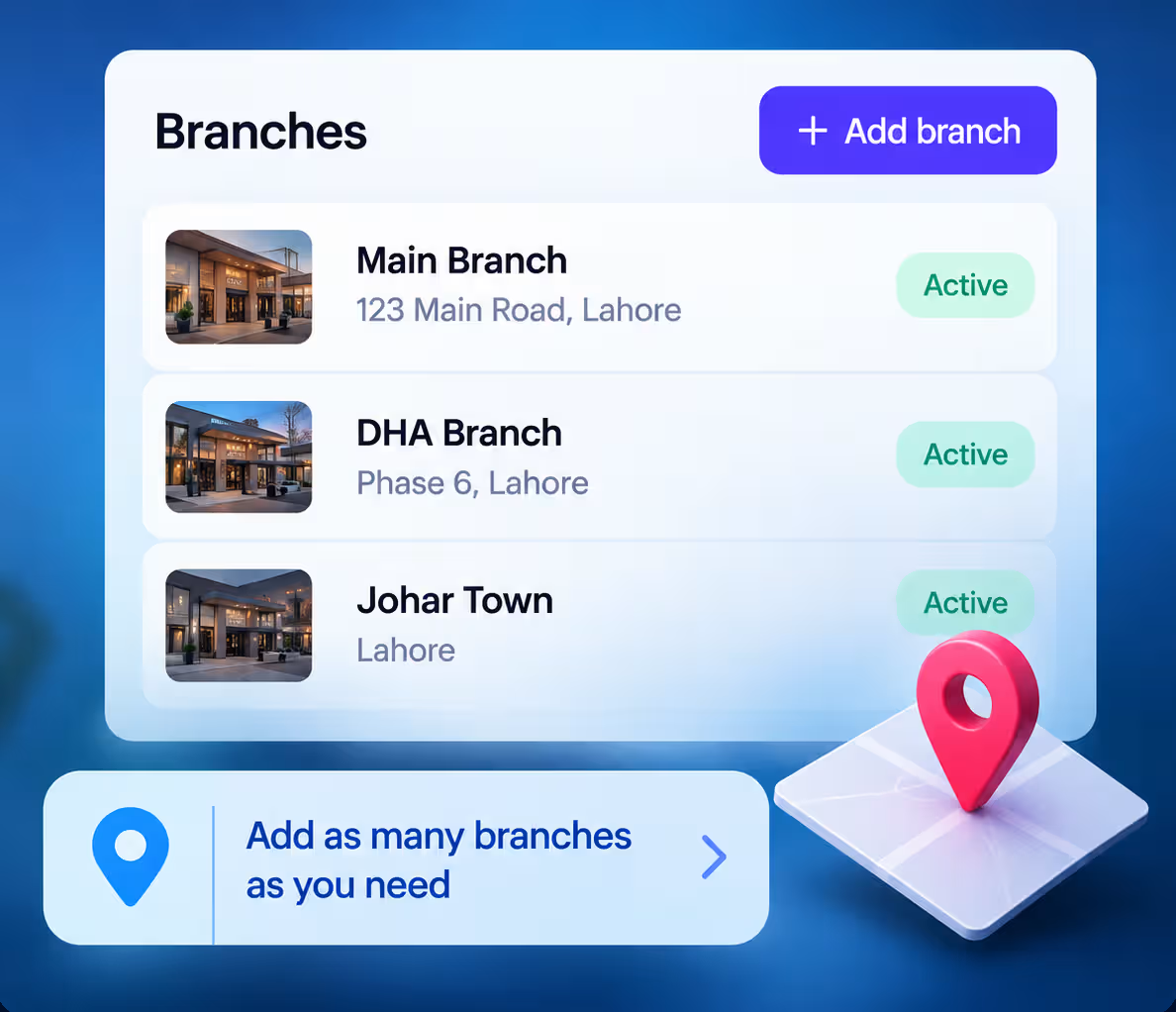
1Quick StartGet startedGet your loyalty program ready, from first login to first reward.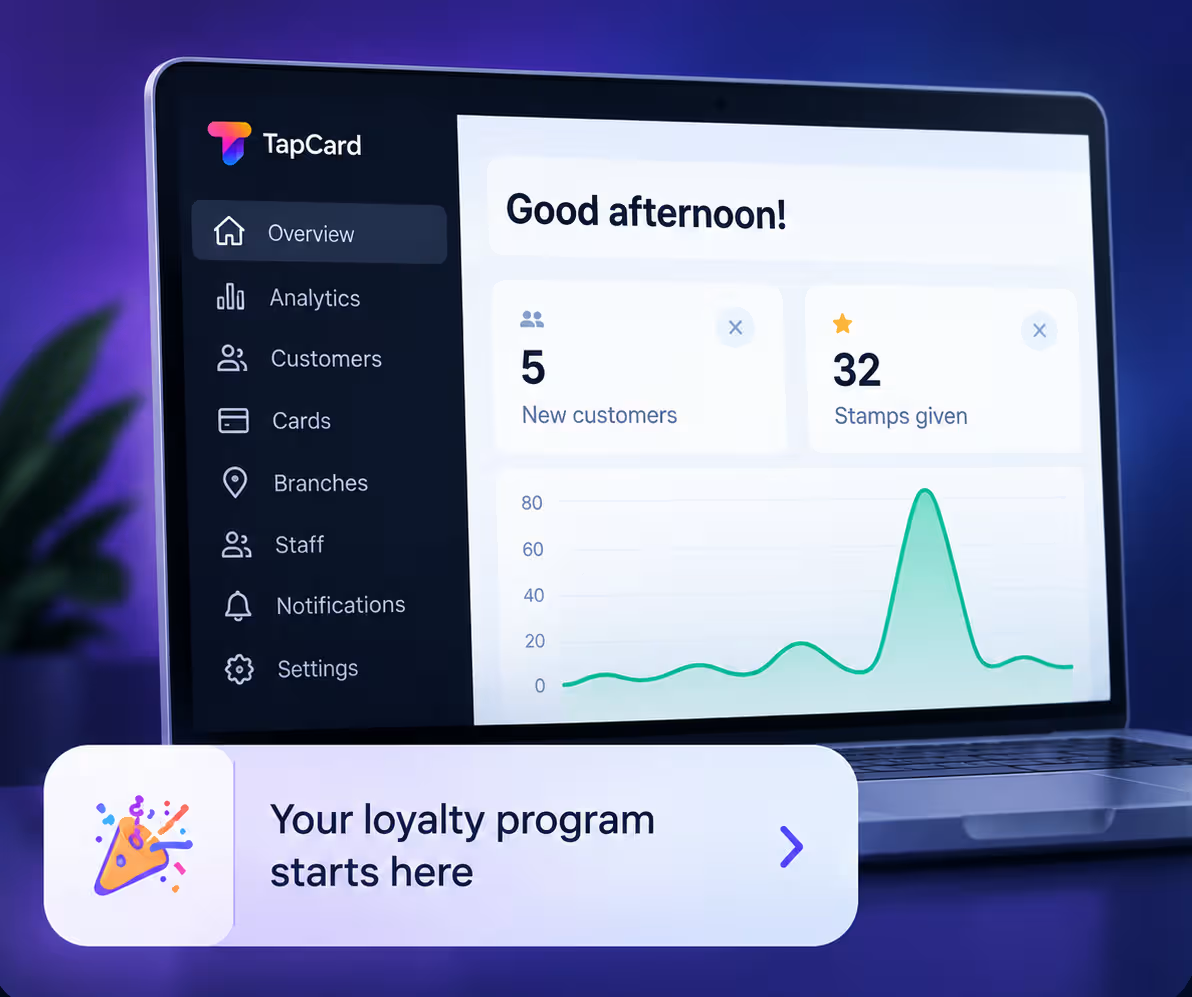 2BranchesAdd your branchesAdd and manage the locations where customers earn stamps.
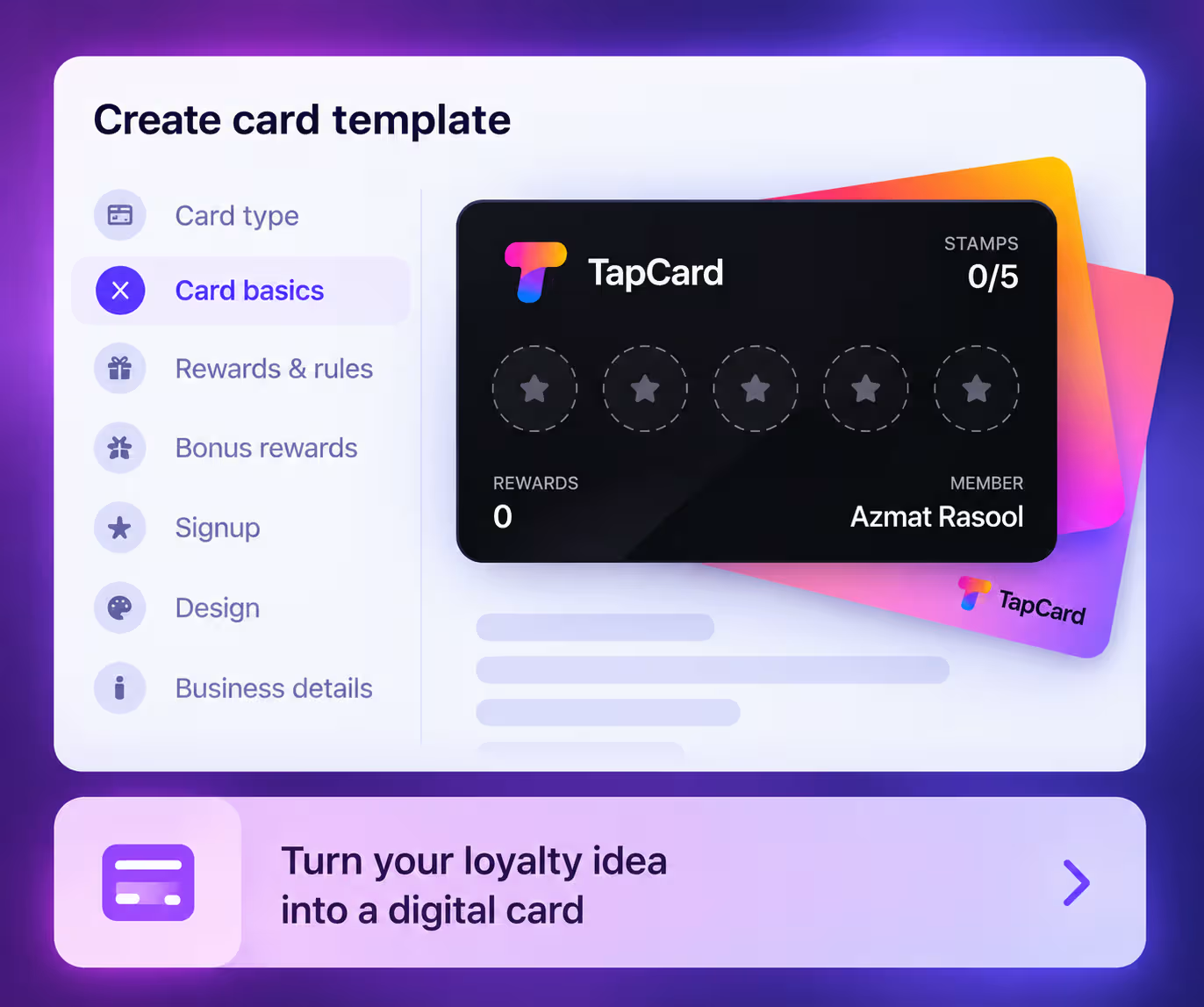
 3CardsCreate a cardCreate, customise and put your loyalty cards live.
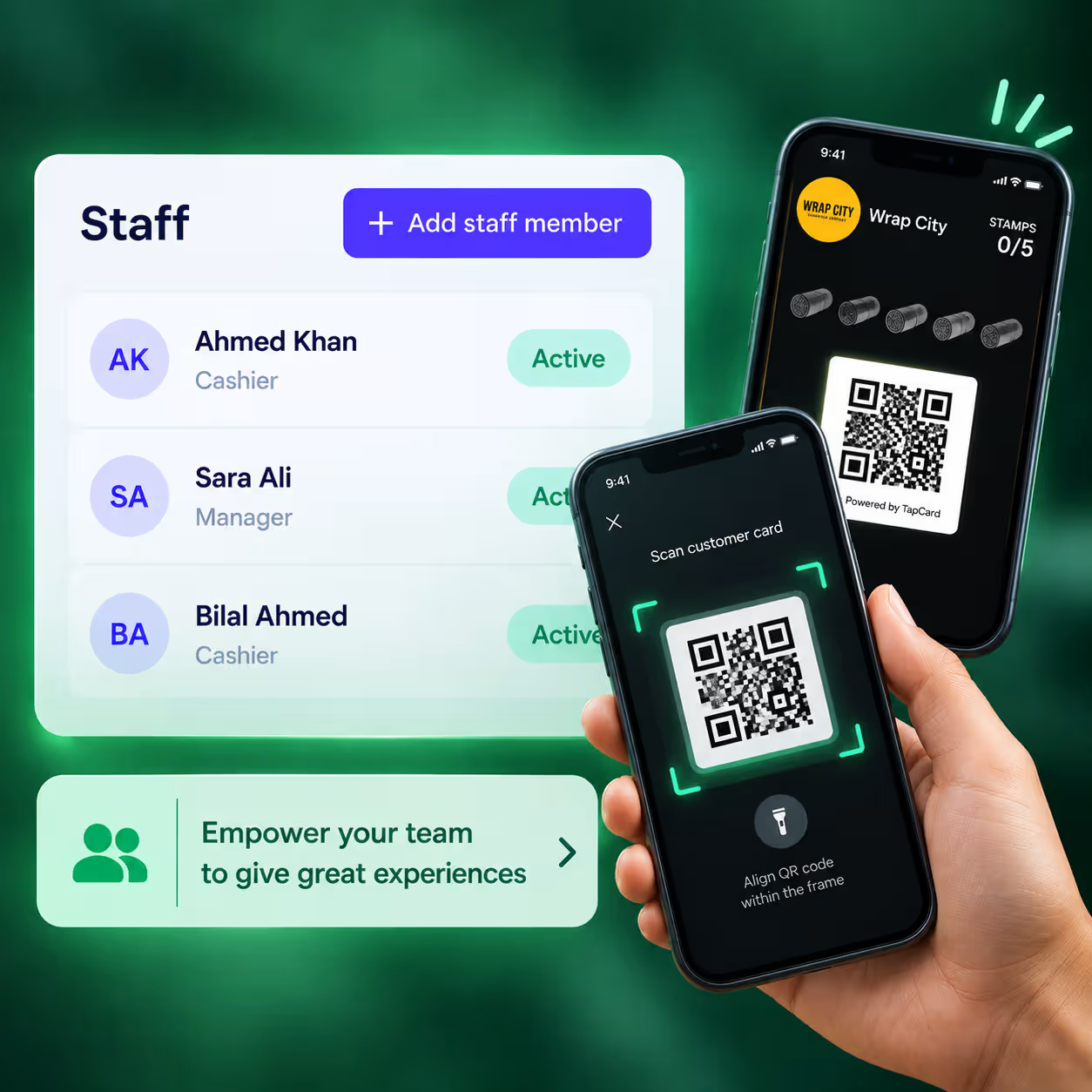
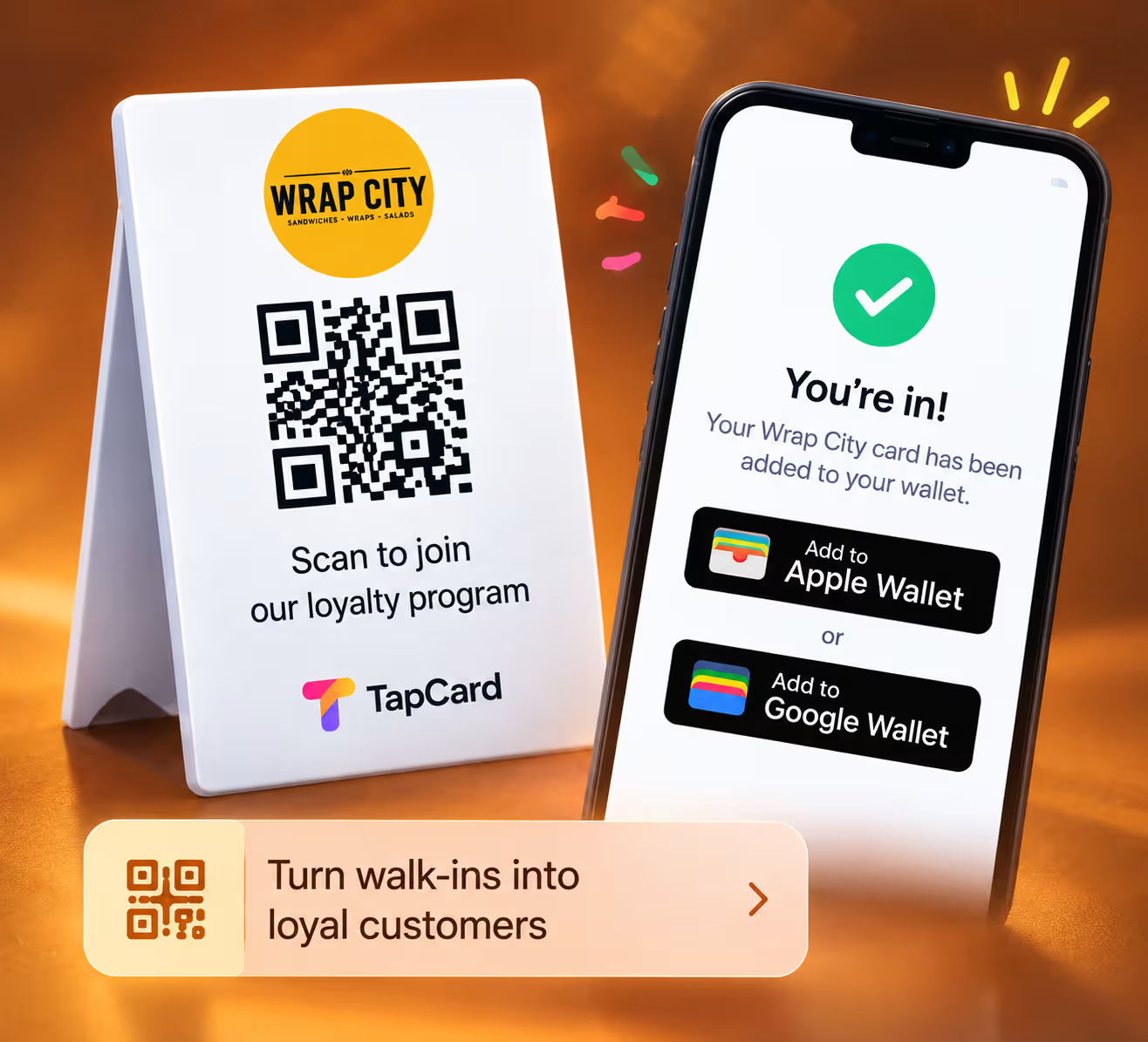
 4Staff & ScannerSet up staff & scanningAdd your staff, connect the scanner, and give stamps and rewards at the counter.
 5CustomersGet more customersBring customers in, reward their visits and keep in touch.
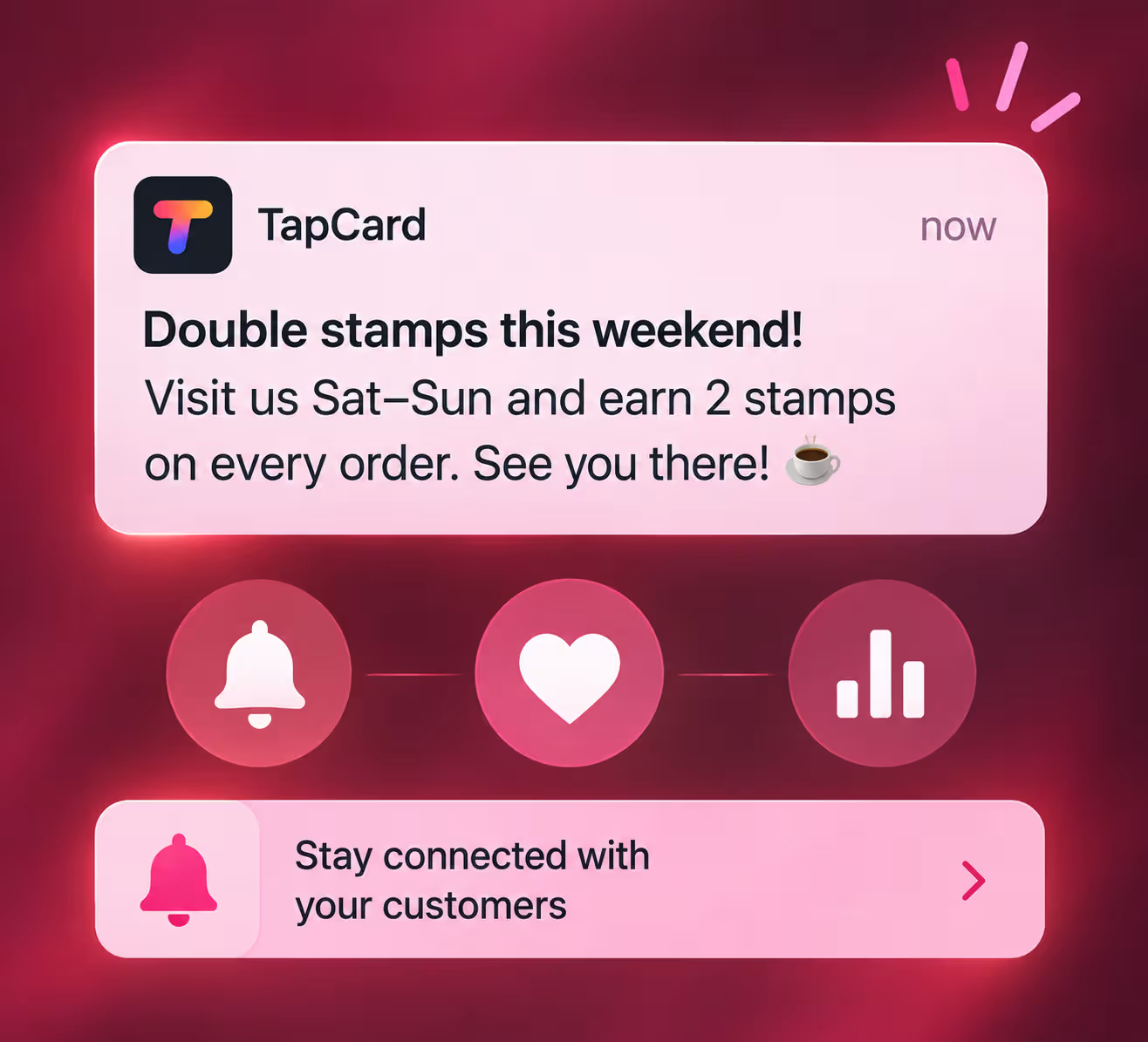
 6Customer EngagementBring customers backSend messages to your customers, and let automatic reminders bring them back.
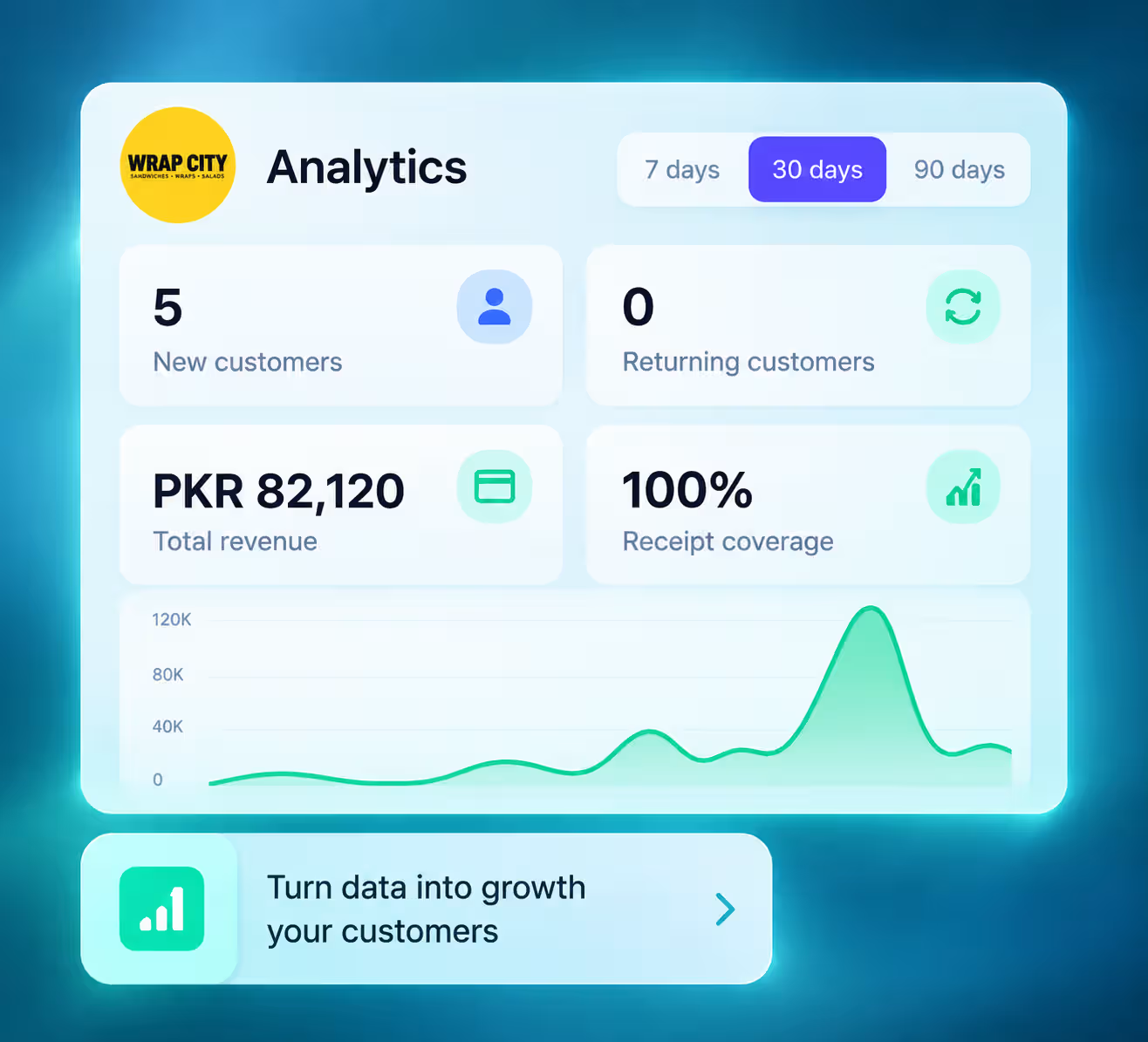
 7Business InsightsTrack your resultsSee how your loyalty program is doing, and who your best customers are.
 8HelpGet helpQuick fixes, and how to reach the TapCard team.
2BranchesAdd your branchesAdd and manage the locations where customers earn stamps.3CardsCreate a cardCreate, customise and put your loyalty cards live.4Staff & ScannerSet up staff & scanningAdd your staff, connect the scanner, and give stamps and rewards at the counter.5CustomersGet more customersBring customers in, reward their visits and keep in touch.6Customer EngagementBring customers backSend messages to your customers, and let automatic reminders bring them back.7Business InsightsTrack your resultsSee how your loyalty program is doing, and who your best customers are.8HelpGet helpQuick fixes, and how to reach the TapCard team.More guides are on the way.