
At the Counter
A quick guide for staff: give stamps and rewards during a shift.
1 min read 3 steps
1Before your shift
- You can sign in to the scanner.
- The scanner is connected and ready.
2Give a stamp
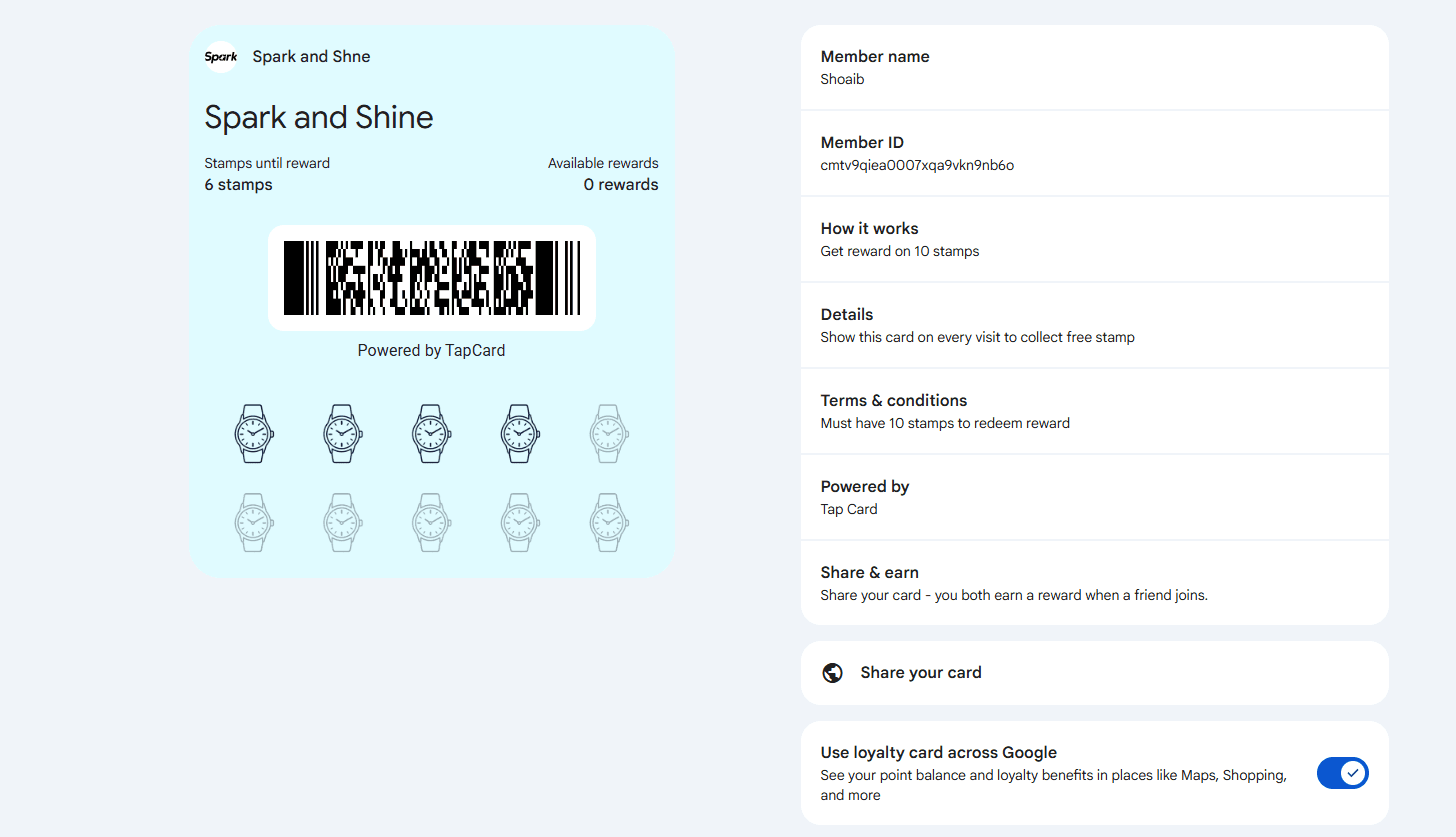
- Ask the customer to open their card
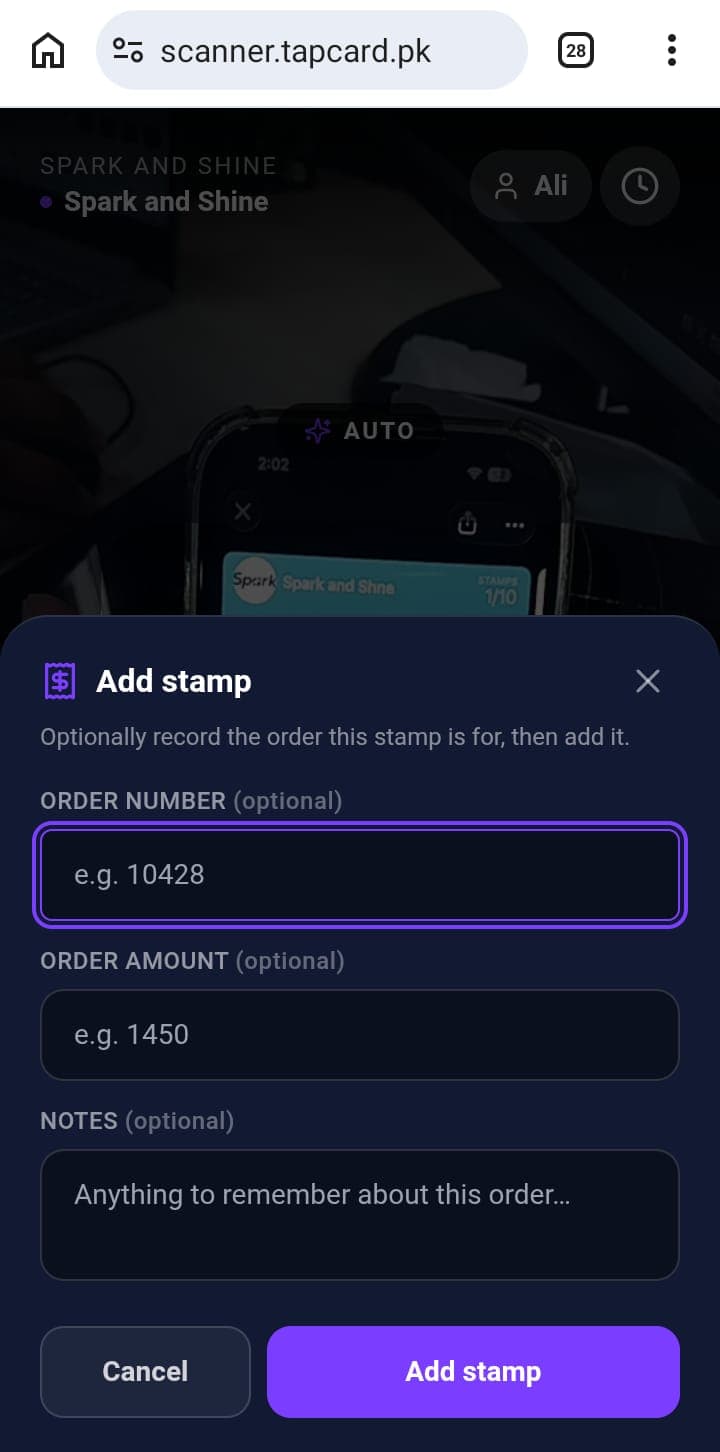
- Scan it
- Check their progress updated
Customers open the card in Apple Wallet or Google Wallet. How much they earn depends on your card's rules.
3Give a reward
- Customer has completed their stamps
- Ask them to open their card
- Scan it
- Give their reward
It's the same scan as giving a stamp.
What's next?
Something not working? See Troubleshooting.
Stuck on a step?
The TapCard team is happy to walk you through it.