
Get & Reward Customers
Put up your QR code, see how customers join, and reward them on every visit.
Print your QR code and let customers join.
Stamps on every visit, then the reward.
1Create your QR stand
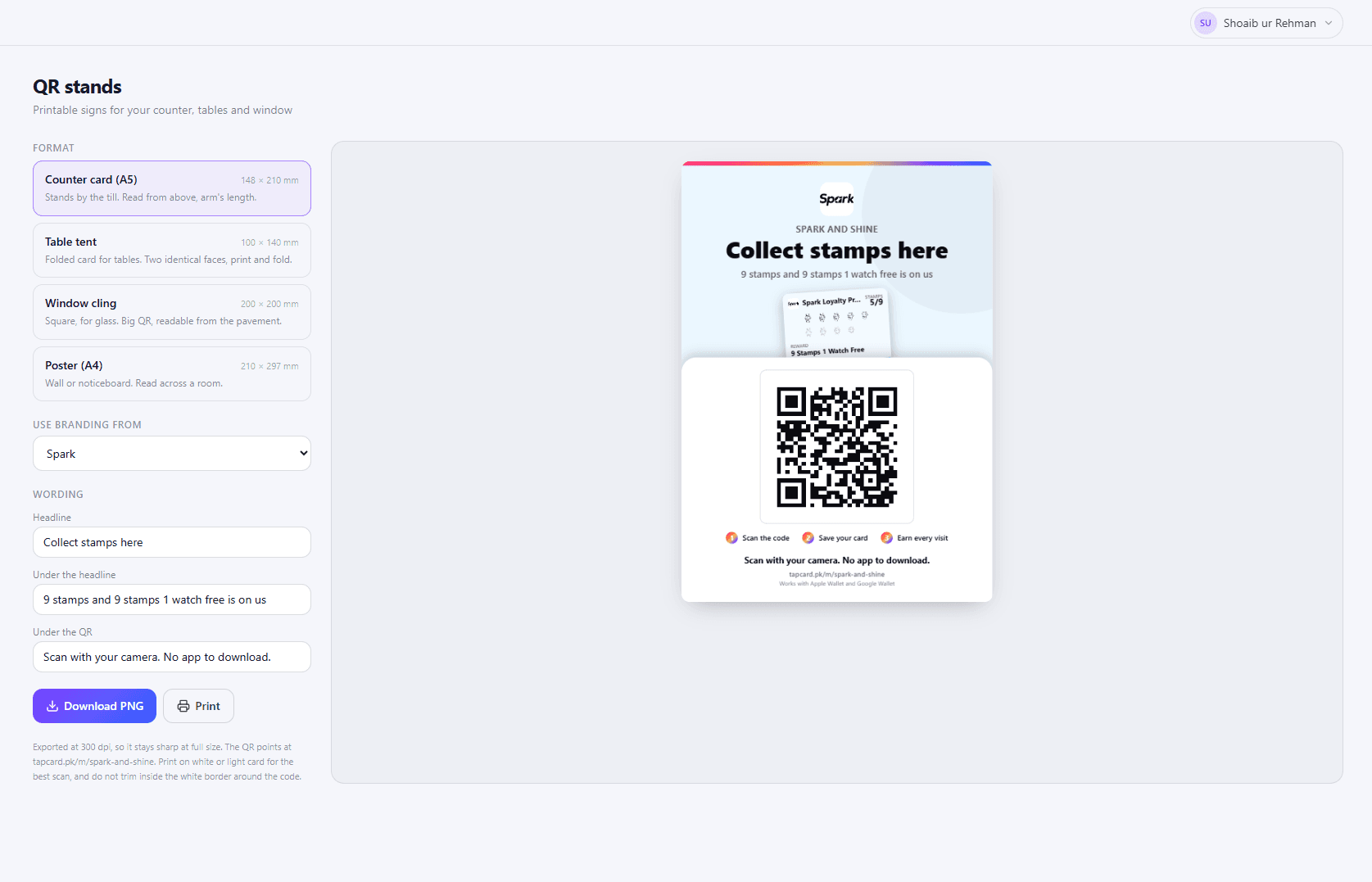
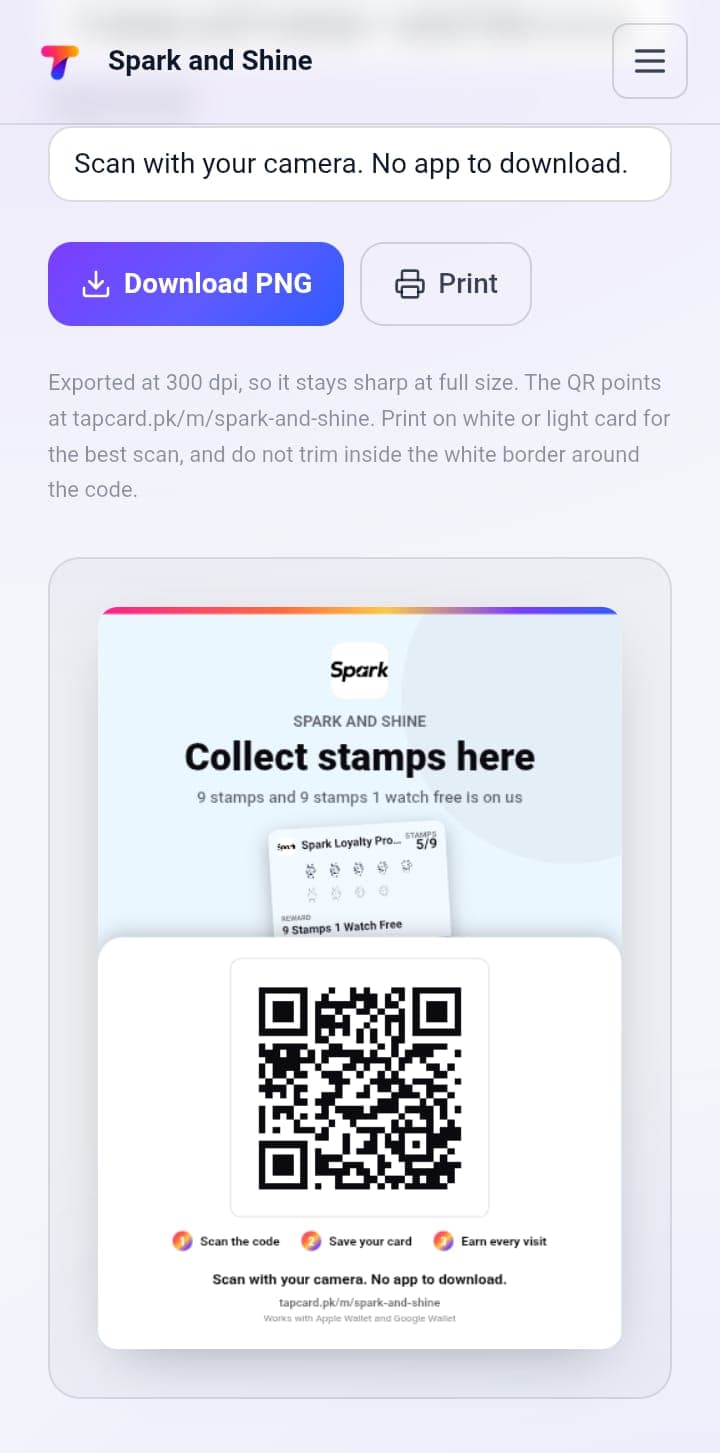
Open QR stands, pick a format - Counter card (A5), Table tent, Window cling or Poster (A4) - edit the wording if you like, then click Download PNG or Print.
2Place it where customers see it
By the till, on tables or in your window. Print on white or light card, don't trim the white border, and scan it yourself to check it works.
3Customer joins
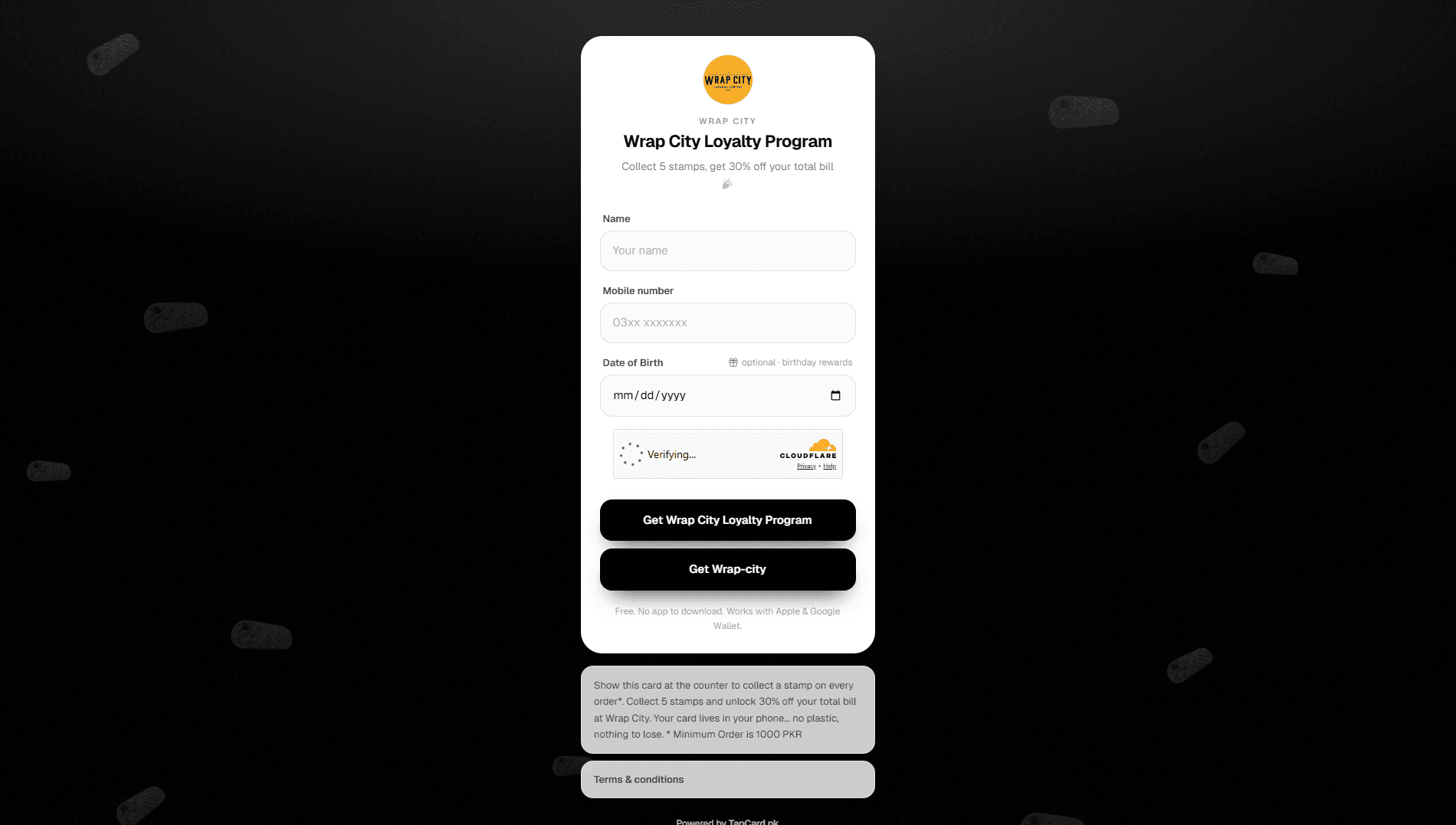
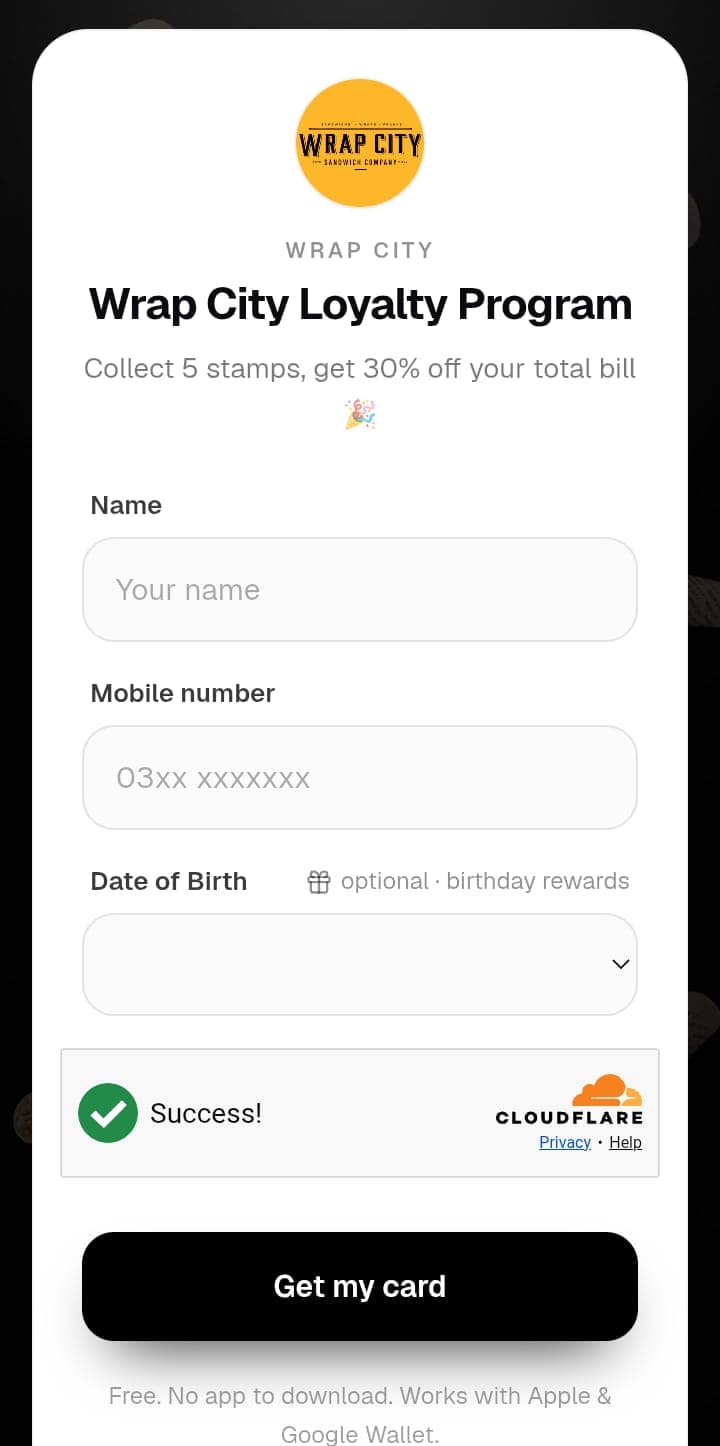
They scan QR Code with their phone camera, enter their Name and Mobile number (Date of Birth is optional, for birthday rewards), then tap Get my card. Free, and no app to download.
4Customer saves the card
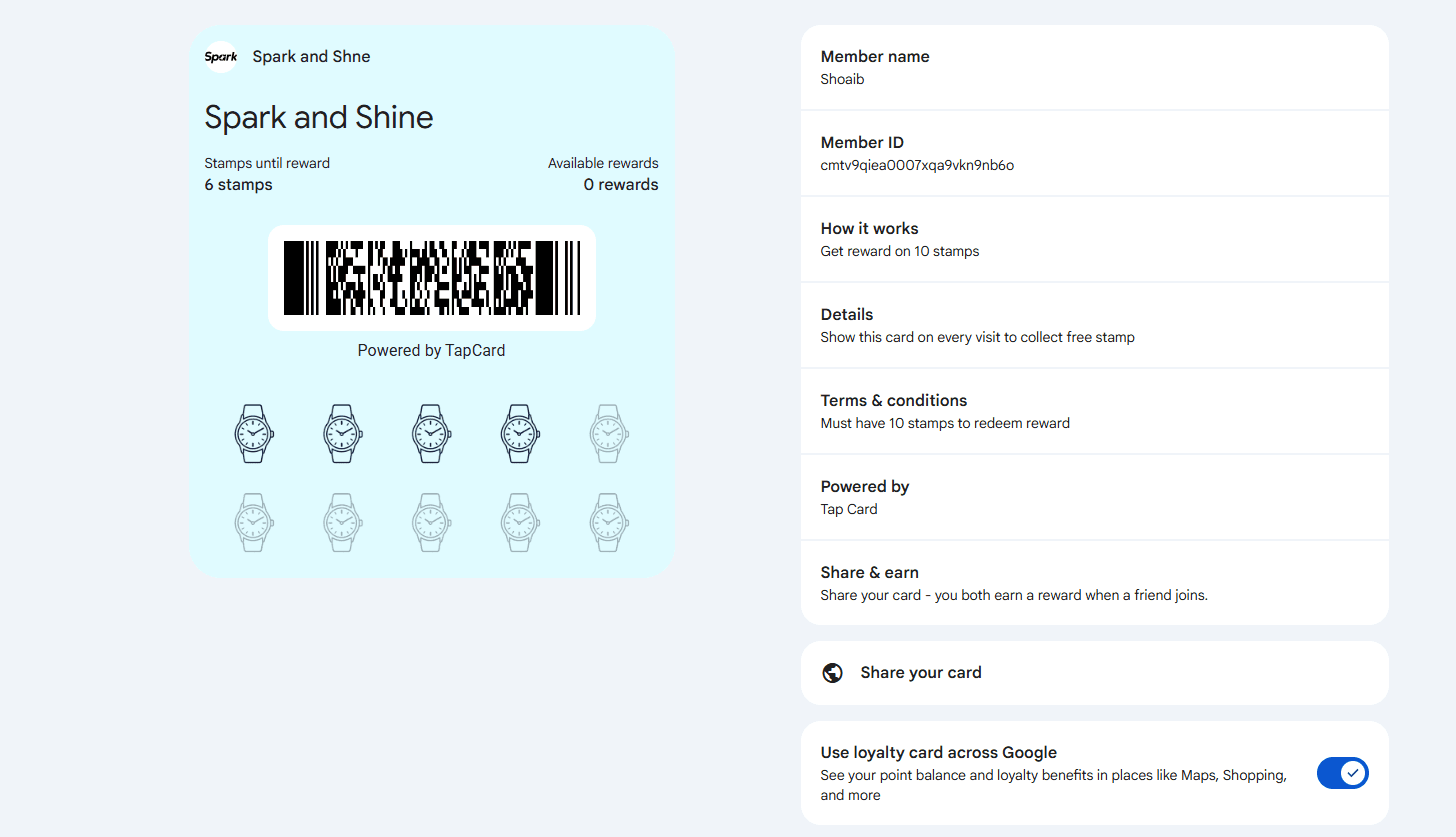
The card goes into their Apple Wallet or Google Wallet. They show it on every visit.
5Staff scan the card
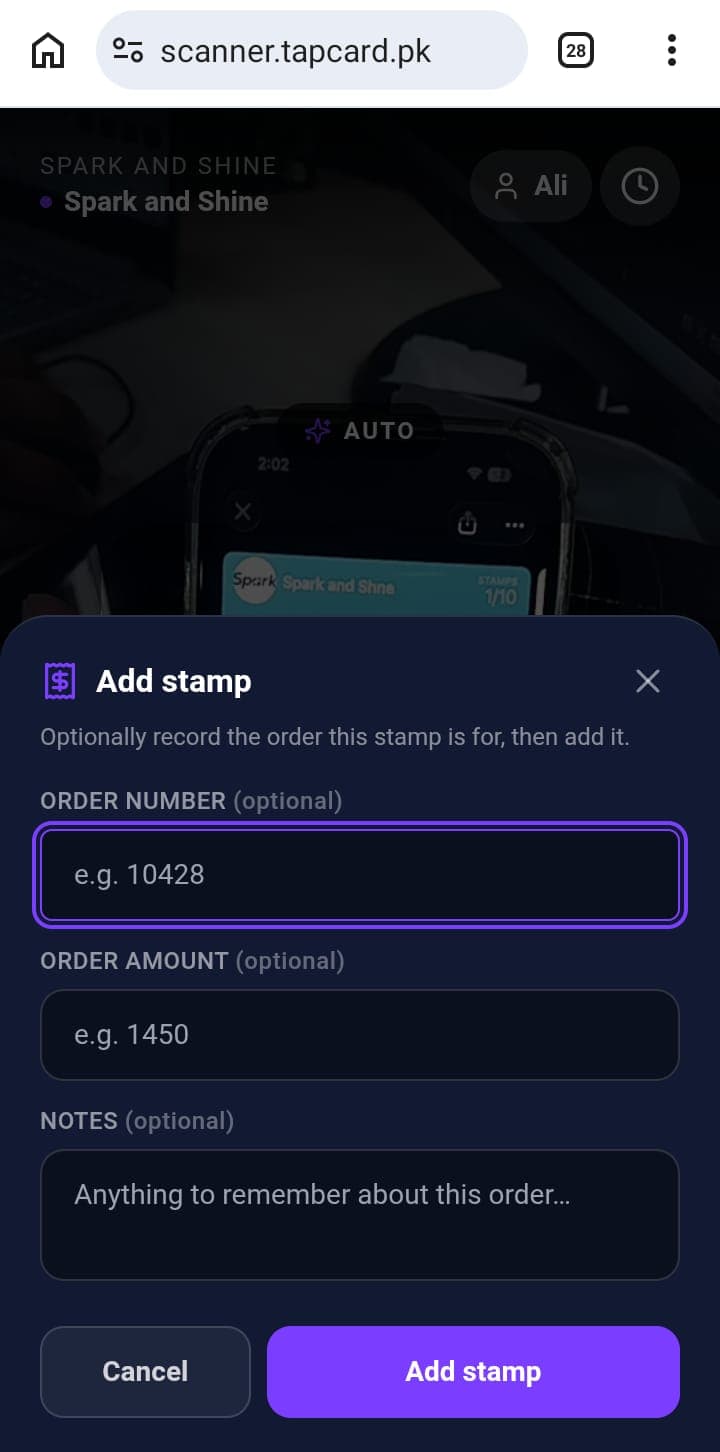
When a customer visits, staff scan their card and they earn a stamp. Staff quick guide: At the Counter.
6Customer gets their reward
Once they collect all their stamps, the reward is ready. Staff scan the card the same way to give it to them.
What's next?
See your customers and keep in touch: Manage Customers.